Mix Design Window
Overview
The Mix Design Window allows for the review and management of mix designs and mix design templates. Mix Designs help to verify sample composition and ensure sample tests are accurate.
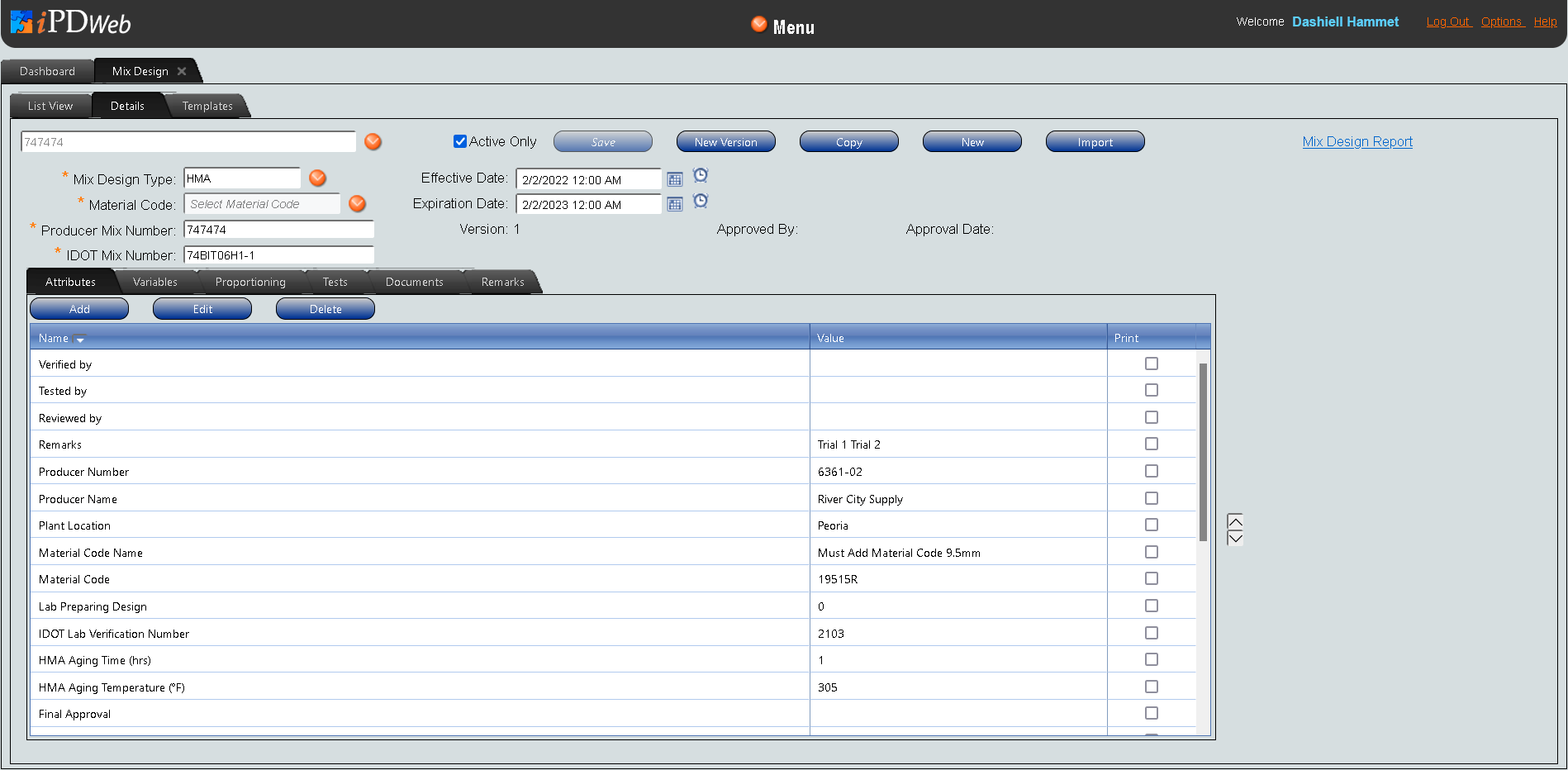
Description
The Mix Design Window consists of three tabs. The three tabs in the Mix Design Window allow users to review and manage different elements of the mix design process:
-
List View Tab: Allows users to search for and review multiple mix designs in a list format.
-
Details Tab: Allows users to edit, review, approve, and create mix designs.
-
Templates Tab: Allows users to create and edit mix design templates, which can be used to create new mix designs.